Pale Aurora / Desk Audio

Build a desk setup you want to hear every day.

A compact speaker pair, a subwoofer, and a gaming setup solve different problems. Start with the desk, the room, and the connection path. The product comes after that.

Updated November 5, 2026US, UK & Germany listingsEditorial research
Affiliate disclosure: if you buy after clicking one of our links, we may earn a commission at no extra cost to you. As an Amazon Associate I earn from qualifying purchases.
DESK / ROOM / ROUTINE
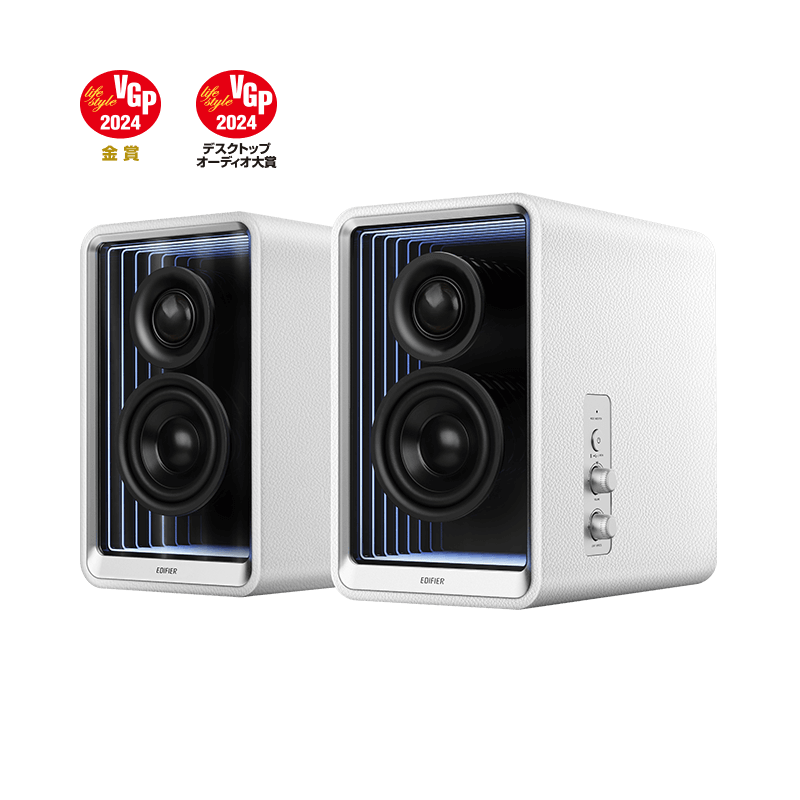
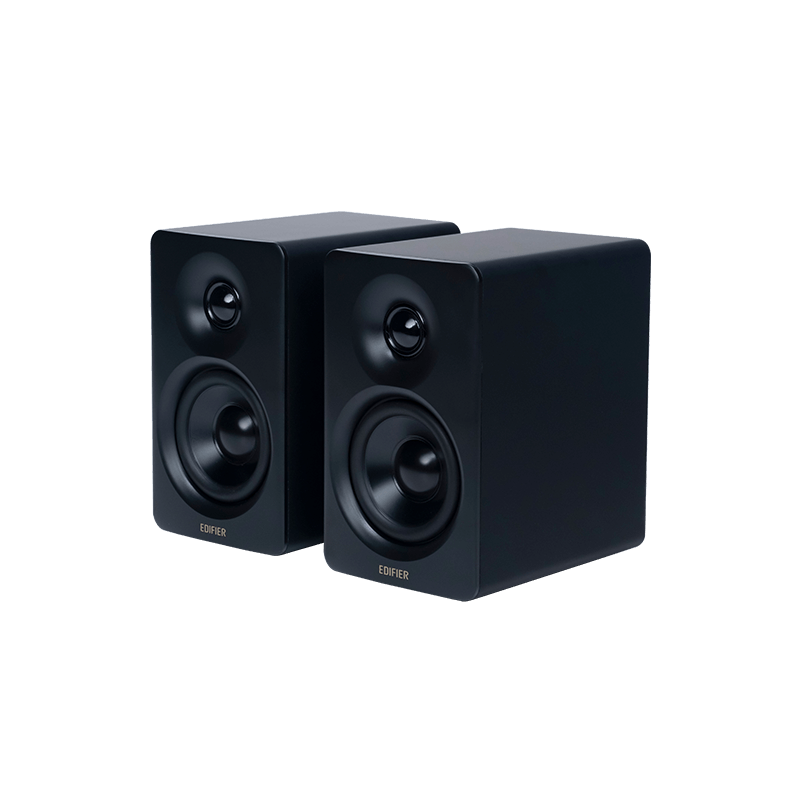
Edifier M60 compact desktop speakers
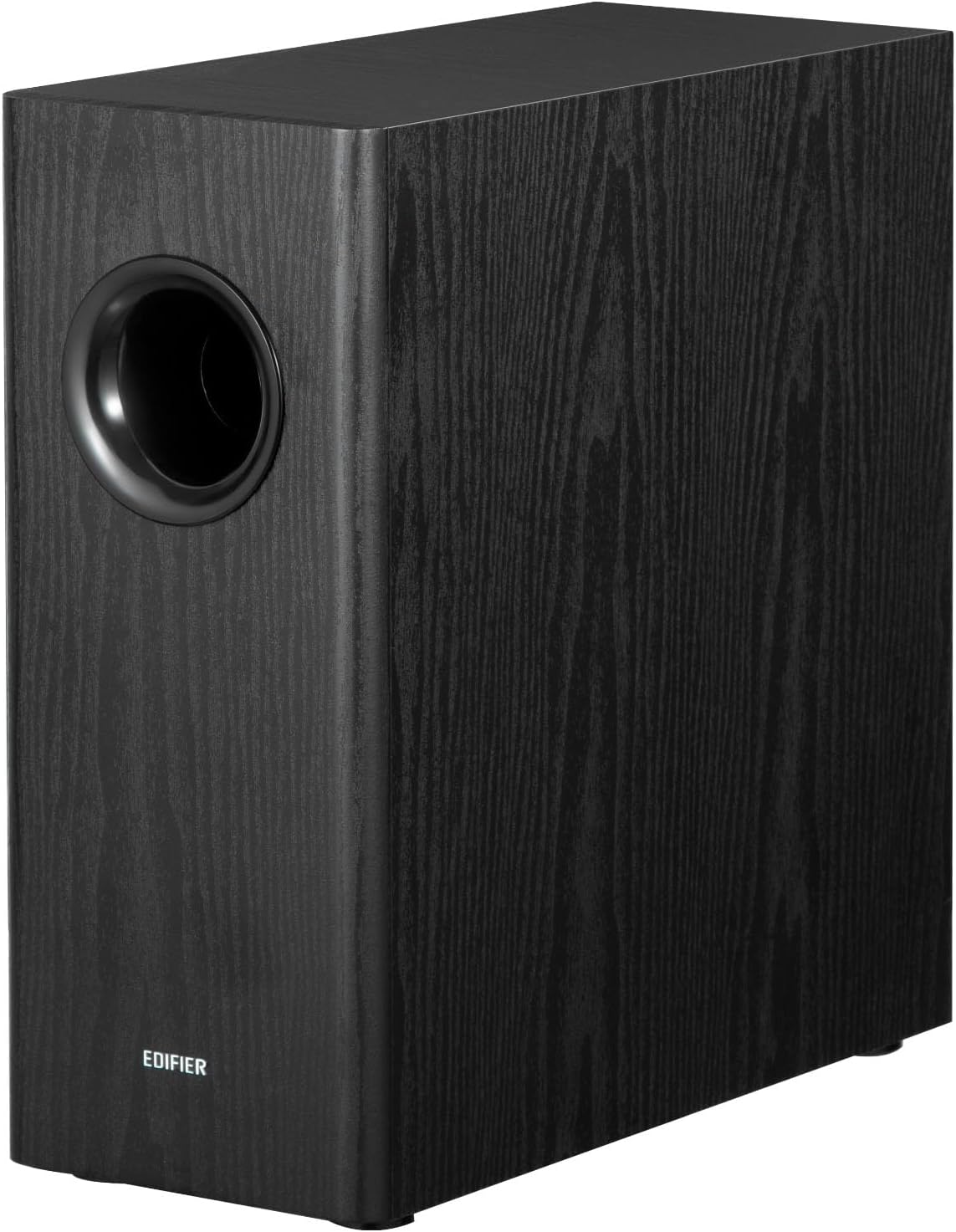
Edifier T5s powered subwoofer
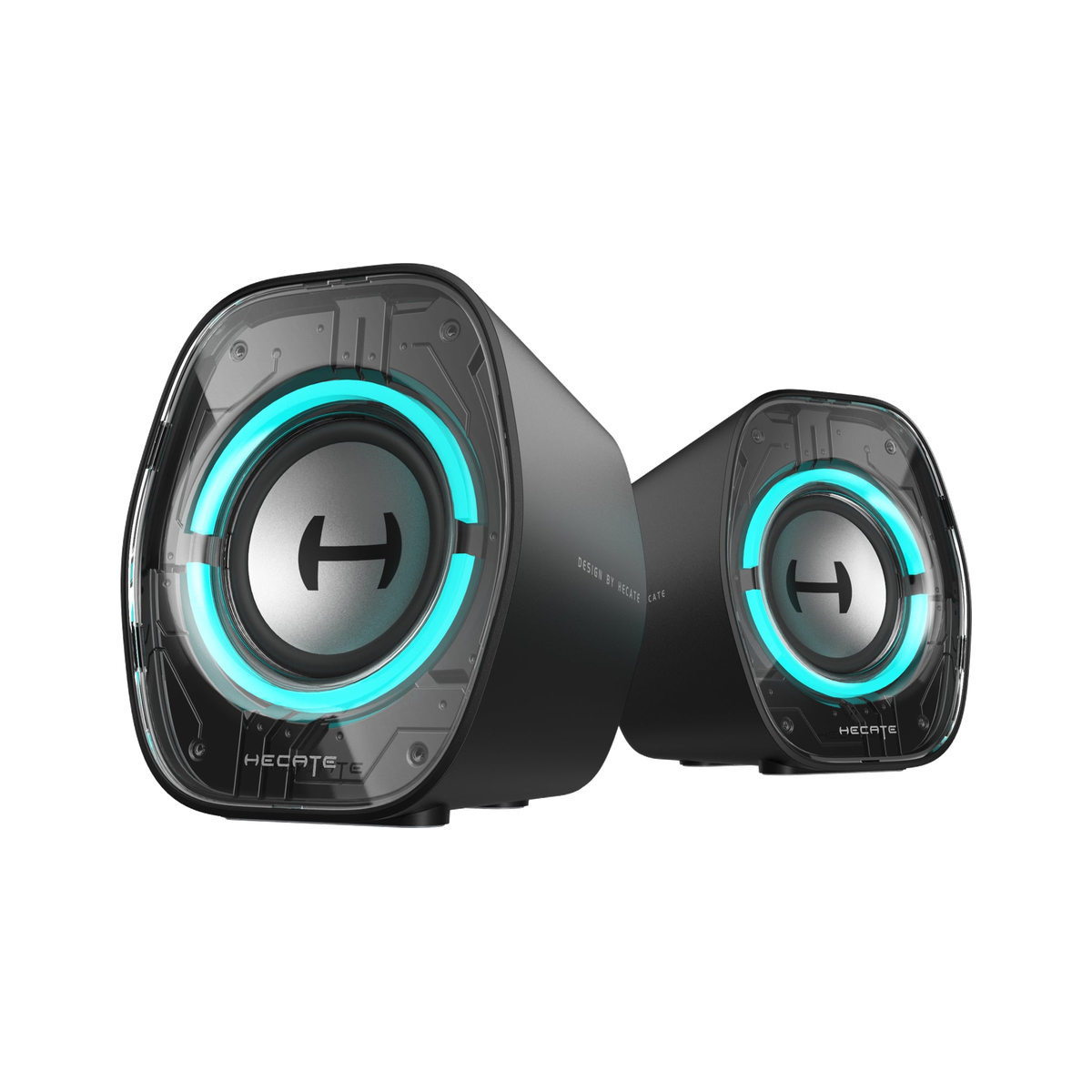
Edifier G1000 II compact gaming speakers

Small desk. More weight. A cleaner connection plan.

01Measure the desk before comparing output.
02Map the source and input route.
03Choose bass only when the system supports it.
04Use the listing for the reader's market.

Choose your path

Three sensible ways into better desk audio

This November pass separates the three jobs rather than forcing them into one winner's list. The useful question is simpler: what is actually missing from the setup you already have?

Edifier M60 speakers on a pale green background

Route 01

Keep the desk clear

For a laptop or desktop that needs a compact stereo pair, the first win is often a better pair of main speakers rather than a separate bass box. M60 is the small-footprint starting point in this group.

  • Best when desk width is limited.
  • Useful when USB-C or AUX fits the source.
  • Not the choice for someone chasing room-filling bass first.
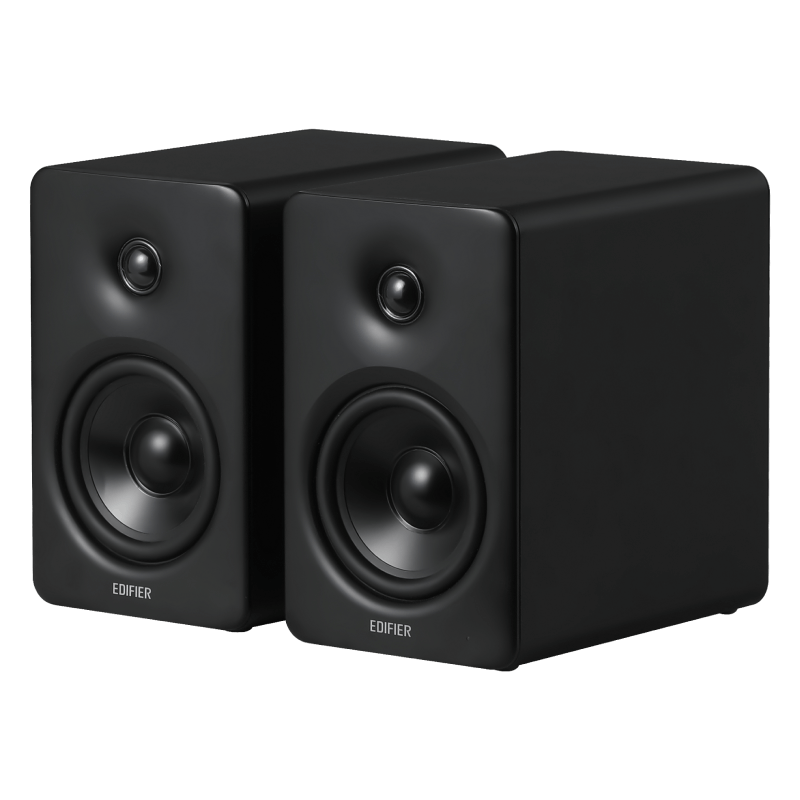
Edifier T5s powered subwoofer on a dark background

Route 02

Give an existing system more weight

T5s is an add-on, not a replacement for a stereo pair. It earns the floor space when your current speakers or amplifier have a sensible analog or sub-out path and the room can tolerate a little more low-end energy.

  • Best for a compatible stereo setup that already works.
  • Needs a cable plan, placement, and patient tuning.
  • Skip it when the desk has no practical connection route.
Edifier G1000 II compact gaming speakers on a pale green background

Route 03

Make a compact gaming desk more usable

G1000 II is the compact gaming-focused route. It makes more sense when speaker width, a monitor, a console, and quick input changes all compete for the same small patch of desk.

  • Best when the screen and speakers have to share a tight desk.
  • Useful for a mix of USB, AUX, and wireless sources.
  • Not a substitute for a larger stereo system in a bigger room.

The rule before the upgrade

The right audio purchase should solve one clear annoyance.

Maybe the laptop sounds flat, the current speakers leave music without weight, or the desk is finally being used for games and calls as well as work. If the reason is still fuzzy, do not let a bigger wattage number make the decision for you. A small, well-connected system that stays on the desk is usually more useful than a complicated setup that never feels settled.

Current lineup

More ways to shape the desk and room

These are separated by format and market, not placed in one artificial order. Check the exact listing before checkout because accessories, colour options, availability, and regional terms can change.

Edifier M90 desktop speakers
Germany

Edifier M90

For a desk or TV corner that needs more connection flexibility than a basic computer-speaker pair.

HDMI eARCOpticalBluetooth
Check Amazon DE listing
Edifier QR65 desktop speakers
United Kingdom

Edifier QR65

For a desk where lighting, device charging, and a more expressive visual setup are part of the appeal.

USB chargingSub outLighting
Check Amazon UK listing
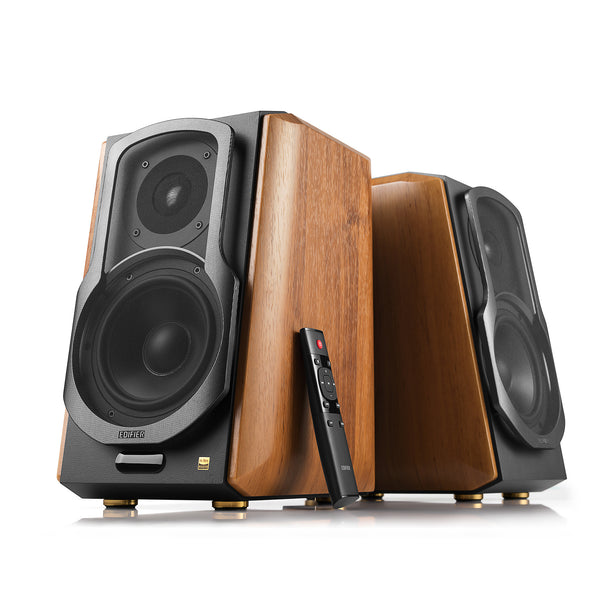
Edifier S1000MKII bookshelf speakers
United States

Edifier S1000MKII

For a larger desk or small listening room where the speakers, not a monitor, are becoming the centerpiece.

Bookshelf formatOpticalBluetooth
Check Amazon US listing
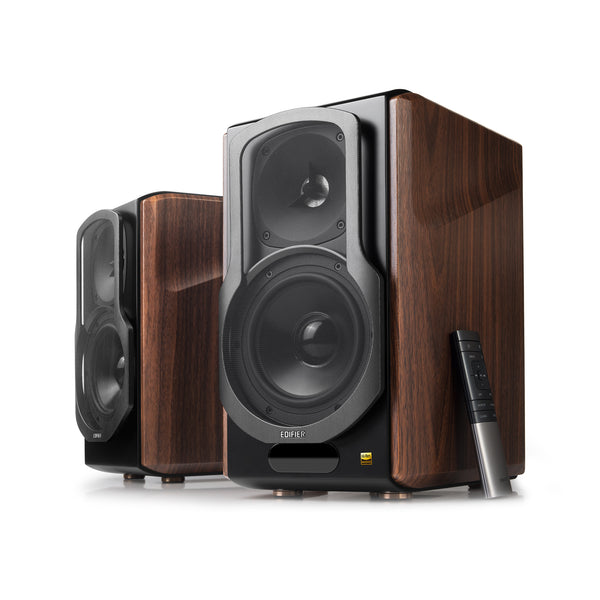
Edifier S2000MKIII bookshelf speakers
United States

Edifier S2000MKIII

For a more deliberate bookshelf-style setup with space for a bigger cabinet and more focused listening.

Bookshelf formatOLED displayMultiple inputs
Check Amazon US listing

Small-room checklist

Four checks that matter before the first track plays

Desktop audio is a system purchase. The practical work happens before checkout, while changing a cable, moving a speaker, or deciding against a subwoofer is still easy.

  1. Measure sideways, not just front to back.Speaker width and stand placement can crowd the monitor, laptop, or the space where a mouse and notebook actually live.
  2. Trace the source first.Write down whether the sound comes from a computer, console, monitor, TV, or phone, then choose inputs that make that route uncomplicated.
  3. Be specific about the bass problem.A T5s makes sense when the main system is already compatible and the missing piece is low-end support. It is not the first answer to every thin-sounding desk.
  4. Check the right country page.The supplied US, UK, and German listings are not interchangeable. Confirm the exact model, colour, bundle, warranty, and merchant terms where you live.

Keep reading

Follow the question, not the product name

Evidence on this page: Edifier's published product information and the exact supplied US, UK, and German retailer listings. This is an editorial buying guide, not a laboratory audio test. It does not reproduce retailer customer-review text or display retailer star ratings. Confirm final compatibility, availability, and terms with the merchant.